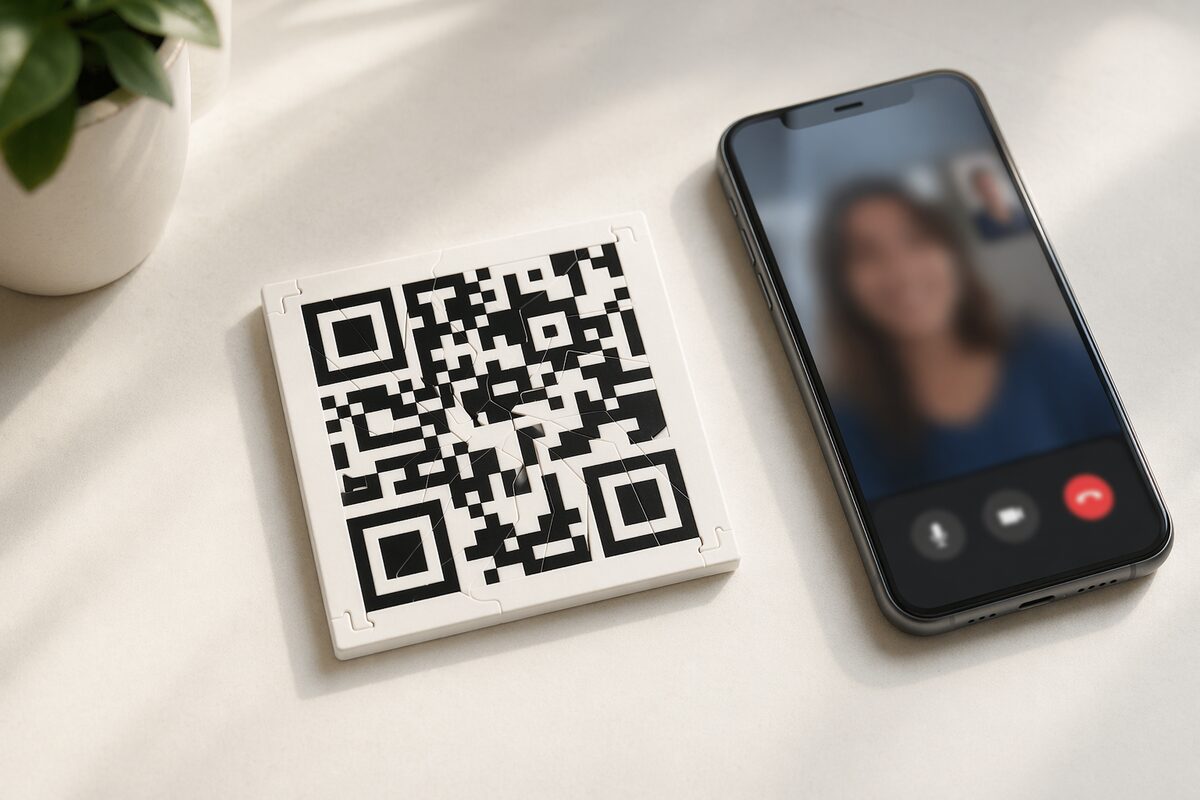
Hide a video message inside a puzzle
Record something real — a congratulations, an apology, an inside joke, anything. They won't see it until they solve the puzzle and scan the QR code.
- Working QR
- Scans when solved
- Gift-ready
- Ships in a box
- Editable reveal
- Update after ordering
Why put a video inside a puzzle?
A text or DM takes two seconds to read and forget. A video message on its own is nice but expected. Put that same video behind a physical puzzle they have to solve first, and the experience changes completely.
The 15–30 minutes they spend assembling the QR code gives them time to wonder what's coming. When they finally scan it and your face appears on their screen — talking directly to them — the effort spent solving the puzzle turns the video into a memorable shared experience instead of just another notification.
Recording and sending your video
Record on your phone
Open your camera app, switch to video, and record your message. Don't overthink it — selfie-style, natural lighting, just talk. The best videos feel genuine, not produced.
Upload during checkout
Tap to upload the video and we'll connect it to the QR code on your puzzle. If you're not ready yet you can skip this step and just add or swap the video later with your manage link.
Add context with a text message
Write a short note that appears on screen before the video plays. Something like "I couldn't say this over text" or "Watch this when you're alone." It sets the tone.
The reveal
They assemble the puzzle (about 15–30 minutes), scan the QR code with their phone camera, and your video plays in their browser — no app needed. They can rewatch it anytime.
Ideas for your video
Happy birthday from the group
Collect 10-second clips from friends, family, or coworkers, edit them together with a tool like Canva or CapCut, and upload the compilation. Way better than a signed card.
A proposal or big reveal
Record yourself asking the question. The puzzle builds suspense, and the video delivers the moment. Works for proposals, pregnancy announcements, or any big news.
Thank-you from the heart
A genuine thank-you video from you hits harder than any card. Coaches to players, teachers to students, kids to grandparents.
A joke
Not everything needs to be sentimental. A quality meme, a callback to a shared moment, or just Rickroll 'em.
Practical details
You can update the video later
Every order comes with a manage link. Use it to swap the video, change the message, or upload a different photo. The QR code on the puzzle stays the same — only the content behind it changes.
Video plays in-browser
No app download needed. When they scan the QR code, it opens a web page with your message and video. It plays right in their phone's browser.
Frequently asked questions
How long can the video be?
Uploads can be up to 500 MB, with videos up to 3 minutes.
What video formats work?
We accept most common formats — MP4, MOV, and WebM all work. If you record it on your phone, it'll work.
How do you send a video message as a puzzle?
Record a video on your phone, upload it while building your Puzzlegram, and send the physical puzzle. The recipient solves and scans it to watch your video in their browser.
Can I upload a photo instead?
Yes. You can upload either a photo or a video (or skip media entirely and just use a text message). The choice is yours.
Can I change the video after ordering?
Absolutely. Use the manage link from your confirmation email to update or replace the video anytime. The QR code on the puzzle doesn't change — it always points to the latest content you've saved.
Ready to record something?
Upload a video, add a message, and we'll build the puzzle around it.
Build your puzzle